Level 0
Discount
0%
From 0 active systems.
Want to offer hosting products under your own brand? We provide the technical foundation: fast provisioning, clear processes, DDoS protection included and interfaces for automation. Ideal for agencies, companies and communities.
A reseller program is strong when it works day to day: provisioning, billing, support, handovers. That's exactly what the structure is designed for.
You get a system you can standardize: repeatable workflows, documented steps and interfaces for automation. That saves time – and reduces operational errors.
The more active systems you have, the better your purchase price. Your level updates automatically.
Note: the level logic is based on your active systems. We clarify the details during onboarding so it fits your model.
Build a clear offering – and expand later without reinventing everything.
For standard projects, web stacks and customer platforms – with predictable provisioning and documented workflows.
Clean upgrade paths: more storage, more performance, additional options – without management chaos.
API/WHMCS for provisioning, status, actions and billing – so your shop doesn't stay “manual work”.
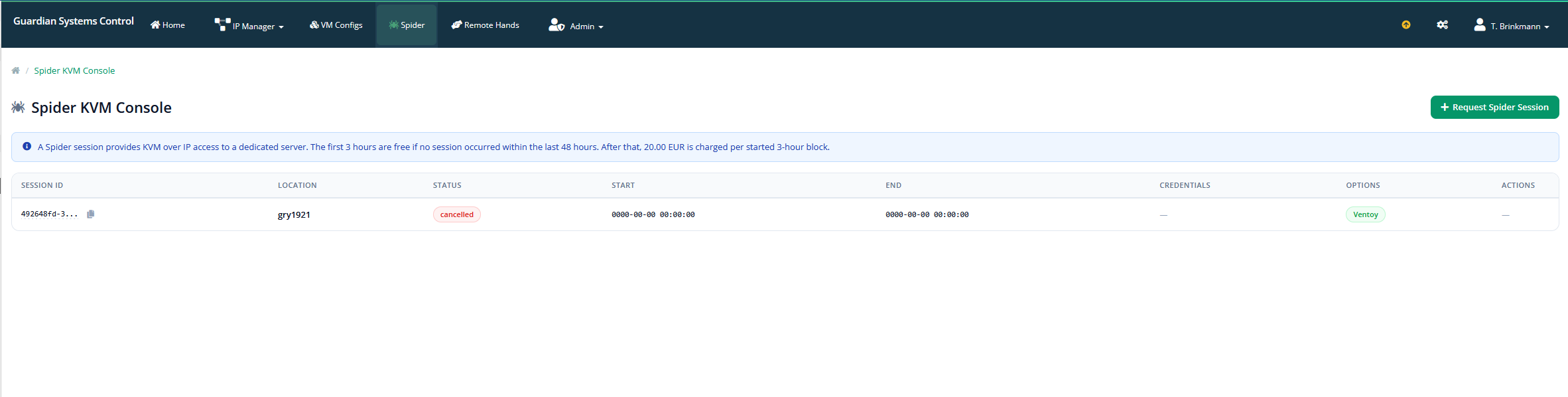
For certain tower/special setups, a KVM console can be useful (diagnostics, installations, emergency access). Availability and implementation depend on the setup – we'll briefly clarify this with you in the project or ticket.
Structured, documented, repeatable – so it works day to day.
Which products will you resell, what SLA/support logic do you need, how should provisioning work?
Integrate API/WHMCS, define processes, automate standard cases.
Test provisioning, create docs/runbook, finalize responsibilities.
Your customer base grows → levels/discounts apply automatically, processes stay stable.
For integrations and automation: API/WHMCS docs – ideal for shops, agencies and internal portals.
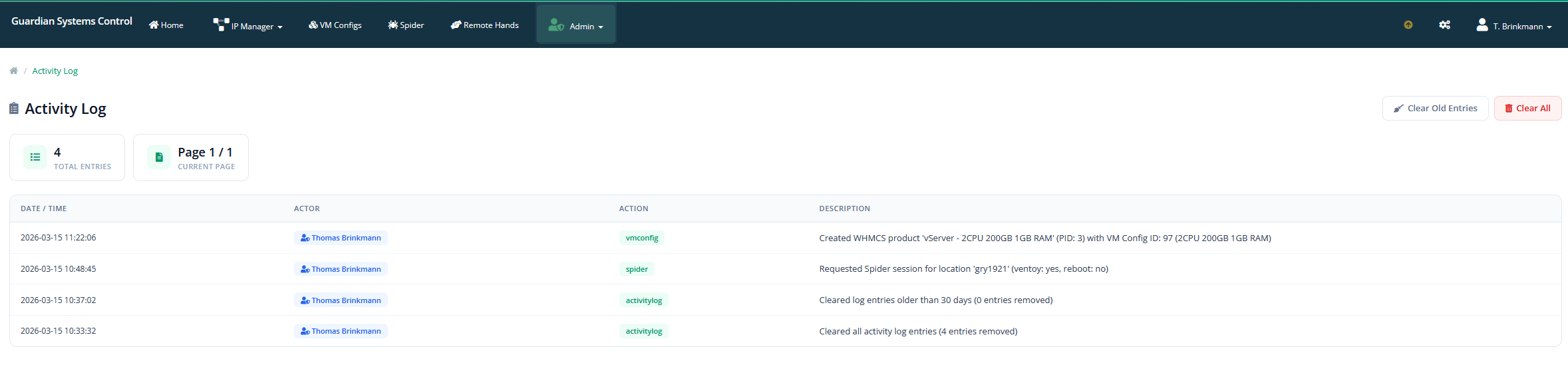
See all important data and processes at a glance.
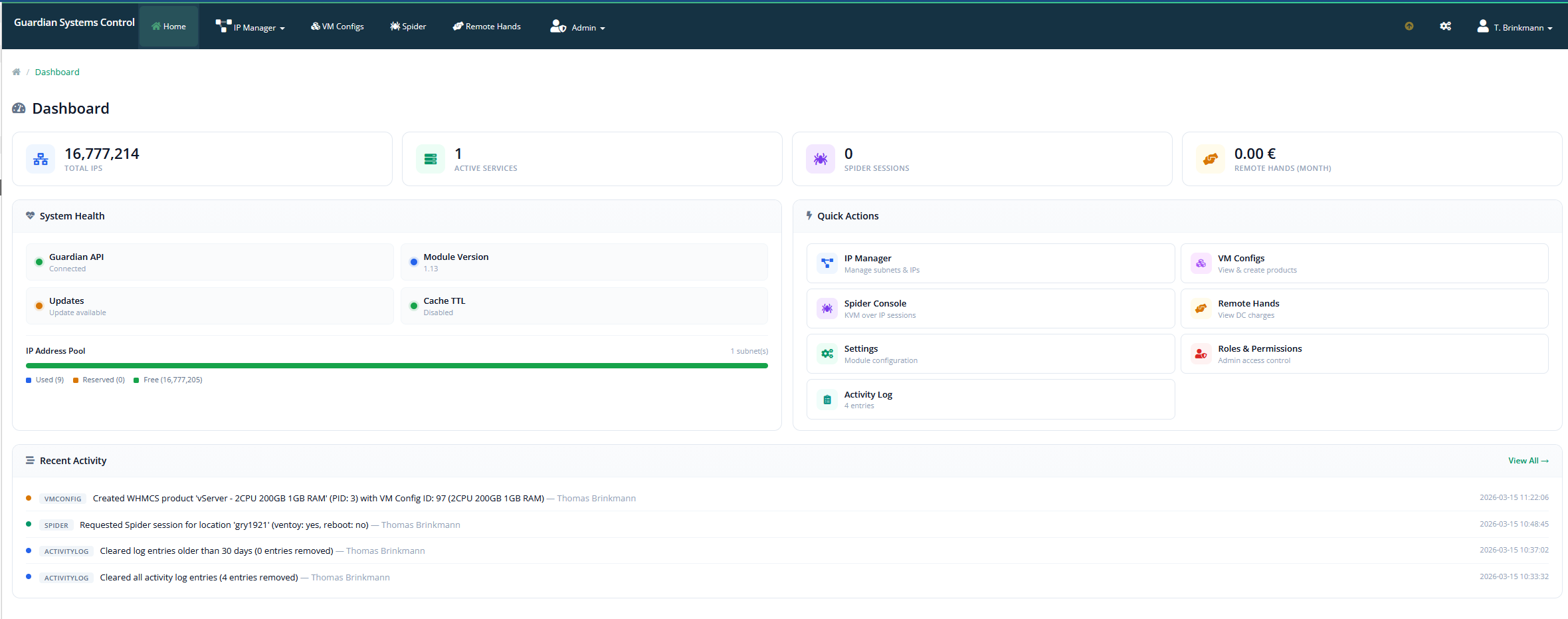
A log that records who made which changes to a system and when.
The client area is the WHMCS front-end portal where customers manage their services on their own. It is the “face” of your company.
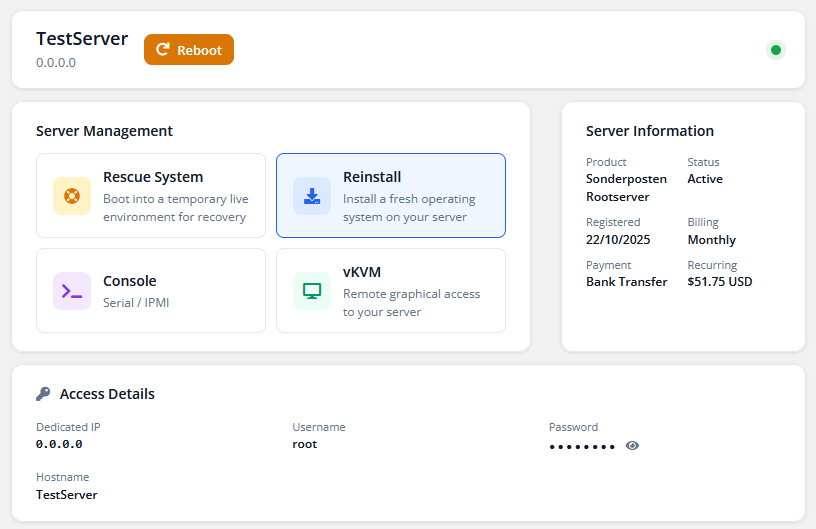
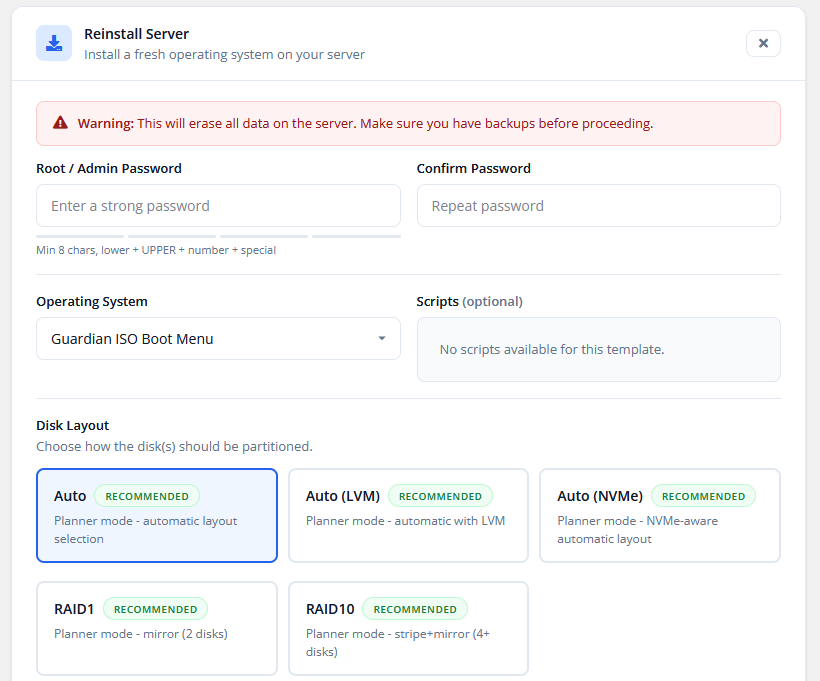
The management of the active products and services a customer has booked. It is the core area where technical provisioning meets commercial administration.
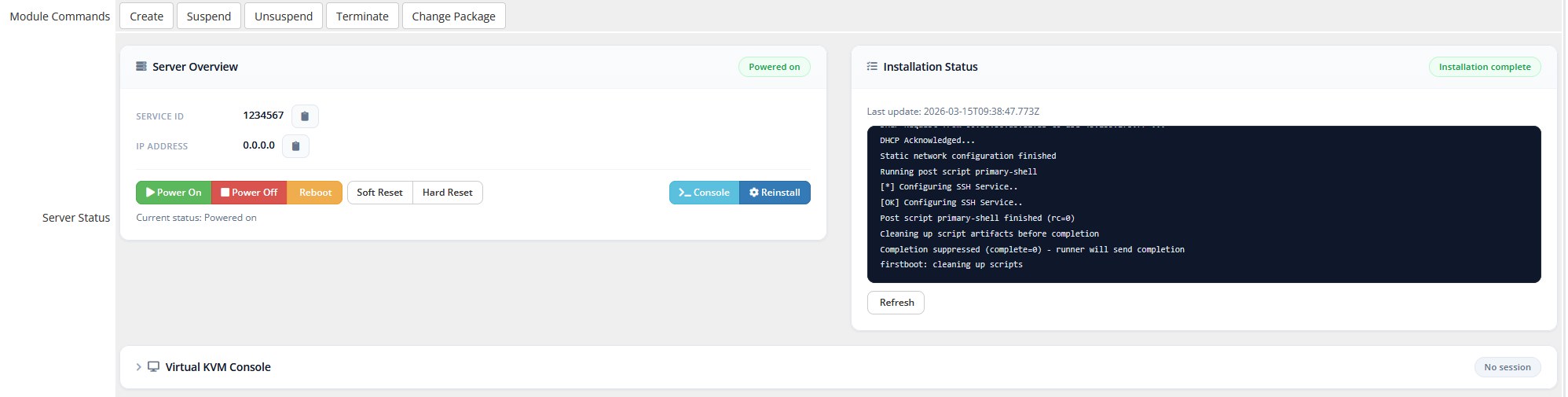
A service in which on-site technicians in the data center carry out physical tasks on your hardware for you.
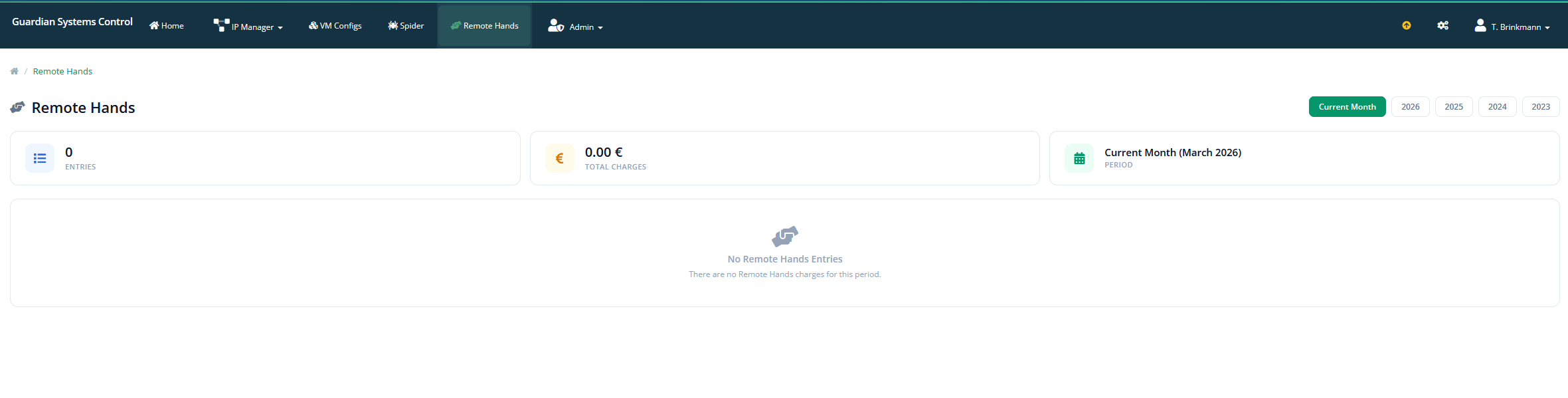
Control who can see and do what in the admin area.
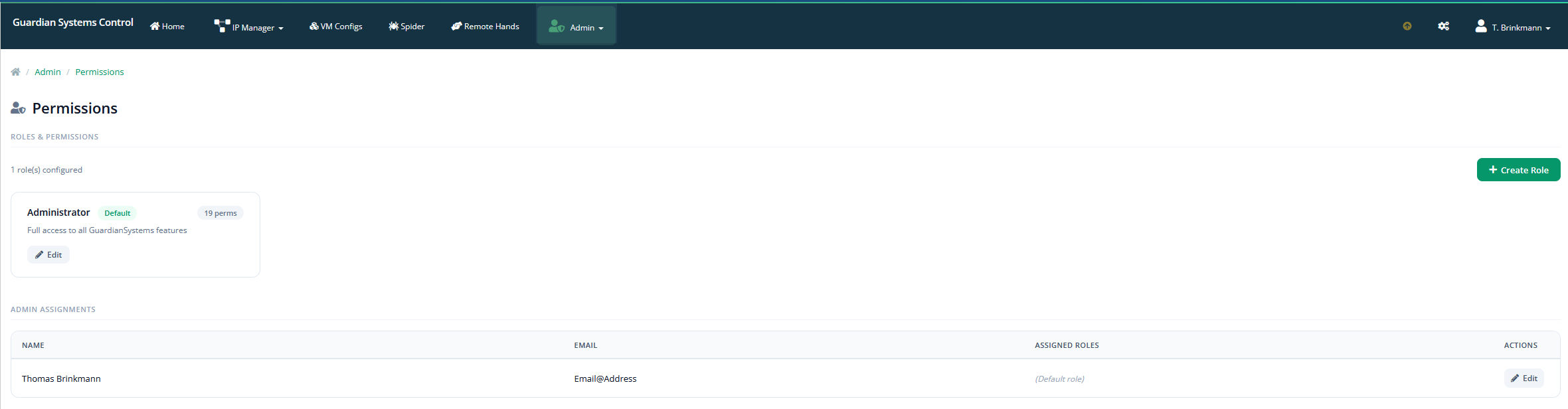
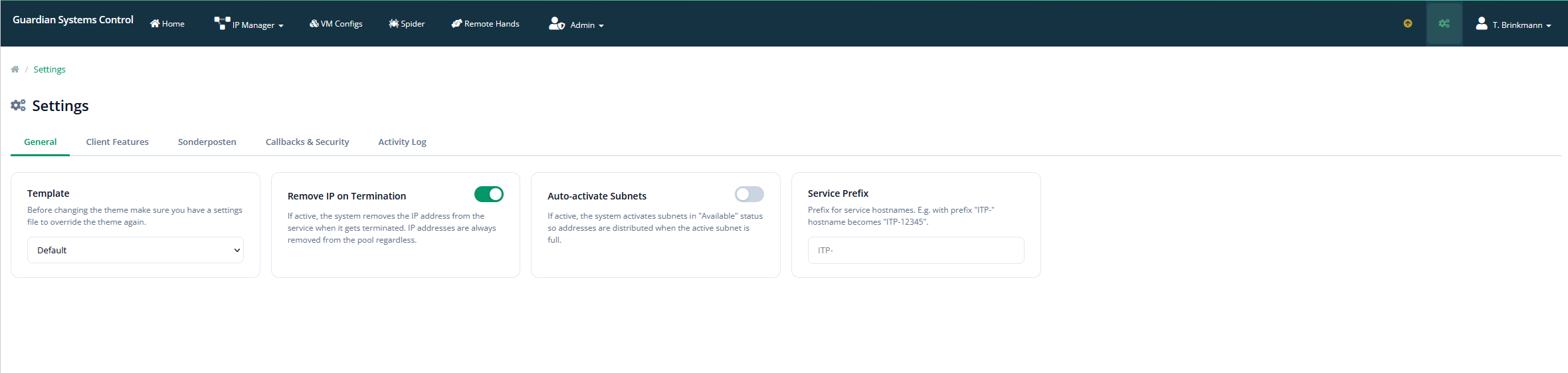
The central configuration of the entire platform. This is where you define how the system behaves for customers and administrators.
Automated programs (such as those from Google or Bing) that crawl your website.
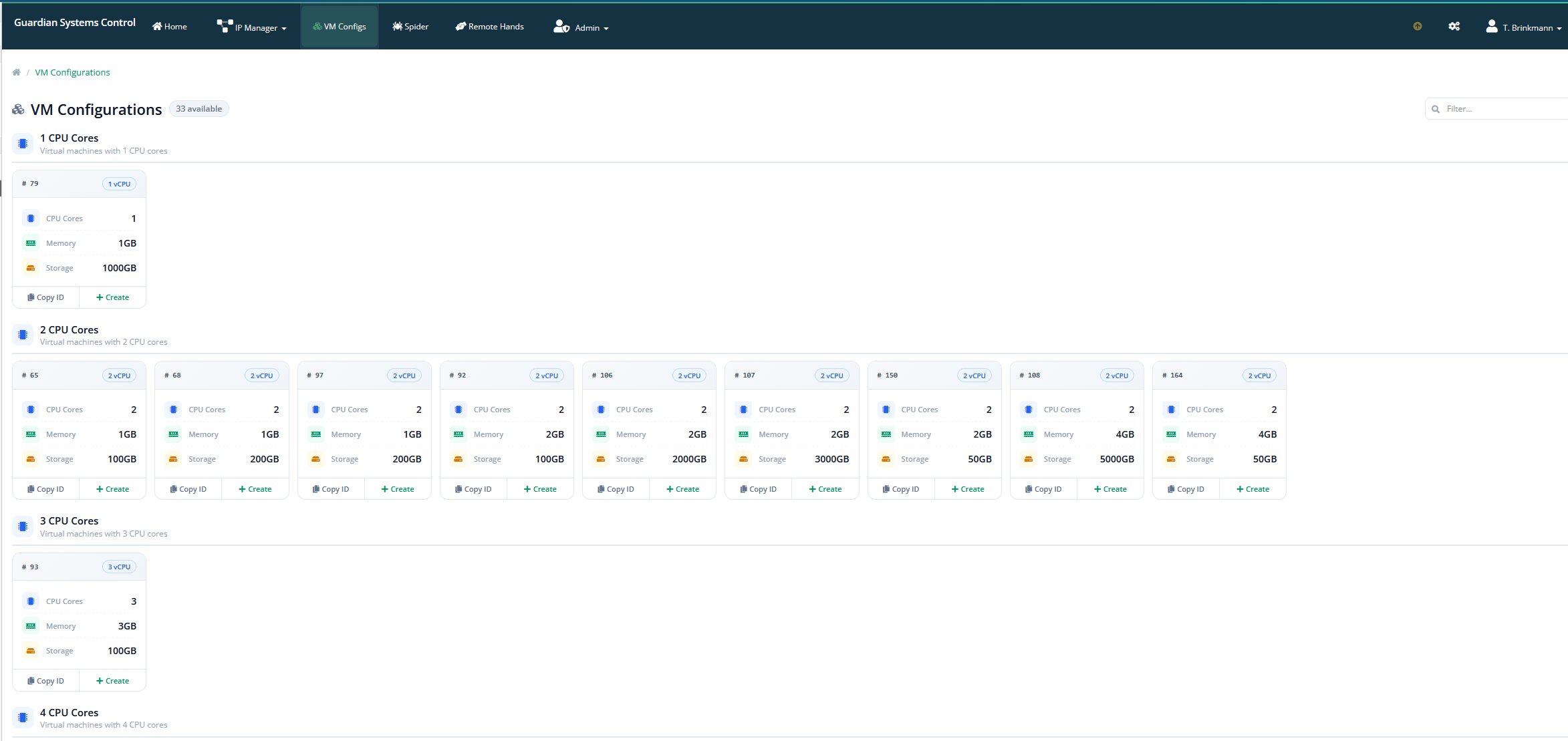
The settings that define how a virtual machine is automatically created and managed for a customer.